
Preparing the Emoji Picker app for iPhone Duo
The iPhone Duo is almost here, and we have started preparing our apps for its new form factors. This post takes a look at how Emoji Picker will look when running on the Duo.
The main app navigation
Emoji Picker uses a navigation split view to provide quick access to the main menu. On iPhone this renders like a navigation stack, while on iPad the menu is in a sidebar, with the selected screen to the right.
The sidebar can be hidden with a toggle, to let your items take up the full screen when you don’t need the menu.
iPhone Duo Considerations
Since the navigation split view component supports the iPhone Duo right out of the box, rebuilding the app with Xcode 27.1 will automatically enable iPhone Duo support.
When the iPhone Duo is closed, Emoji Picker will behave like on a regular iPhone, as a list with push navigation.
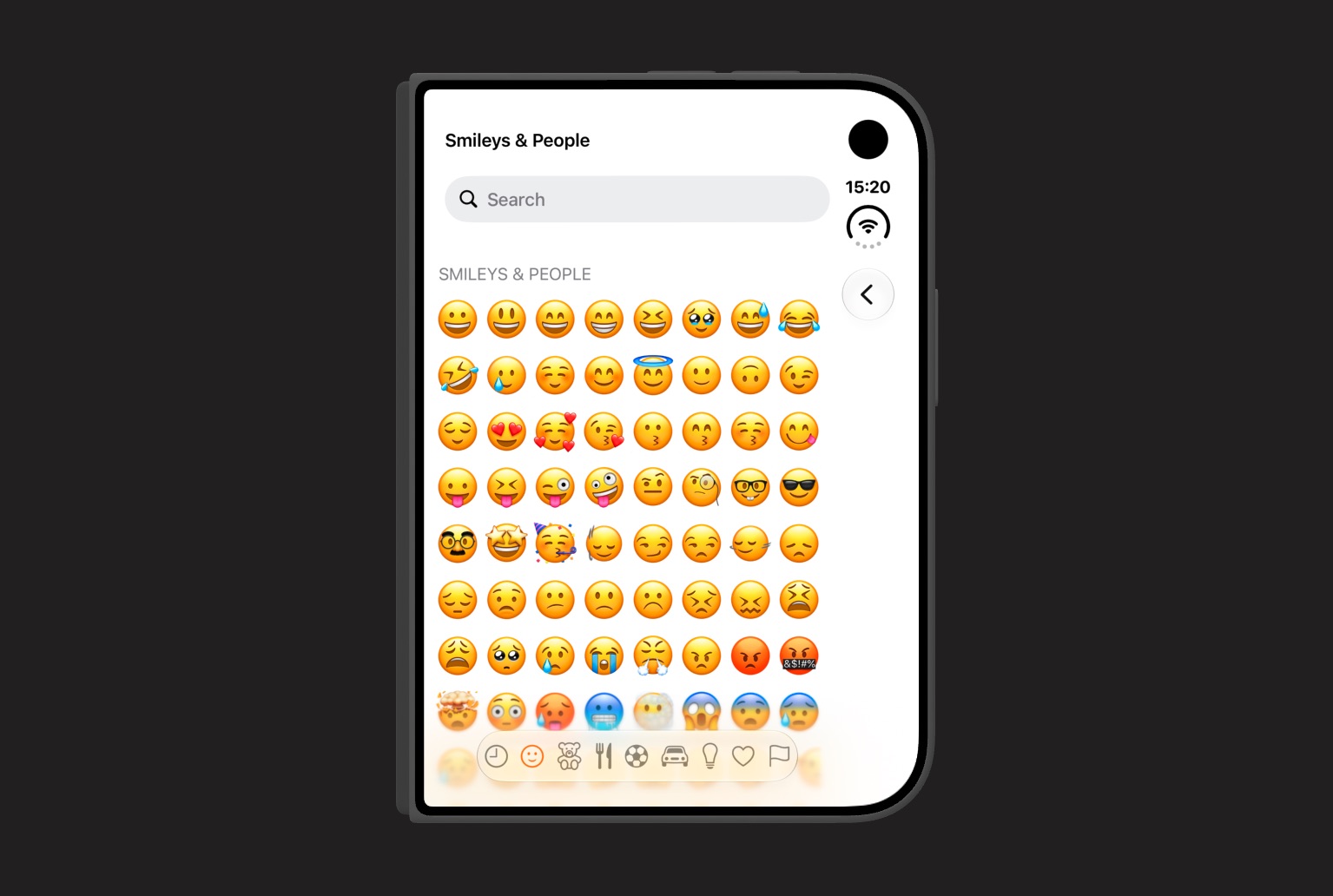
When the Duo is folded open, Emoji Picker switches over to a split view, with the main menu to the left and the selected screen to the right, keeping interactive elements away from the fold.
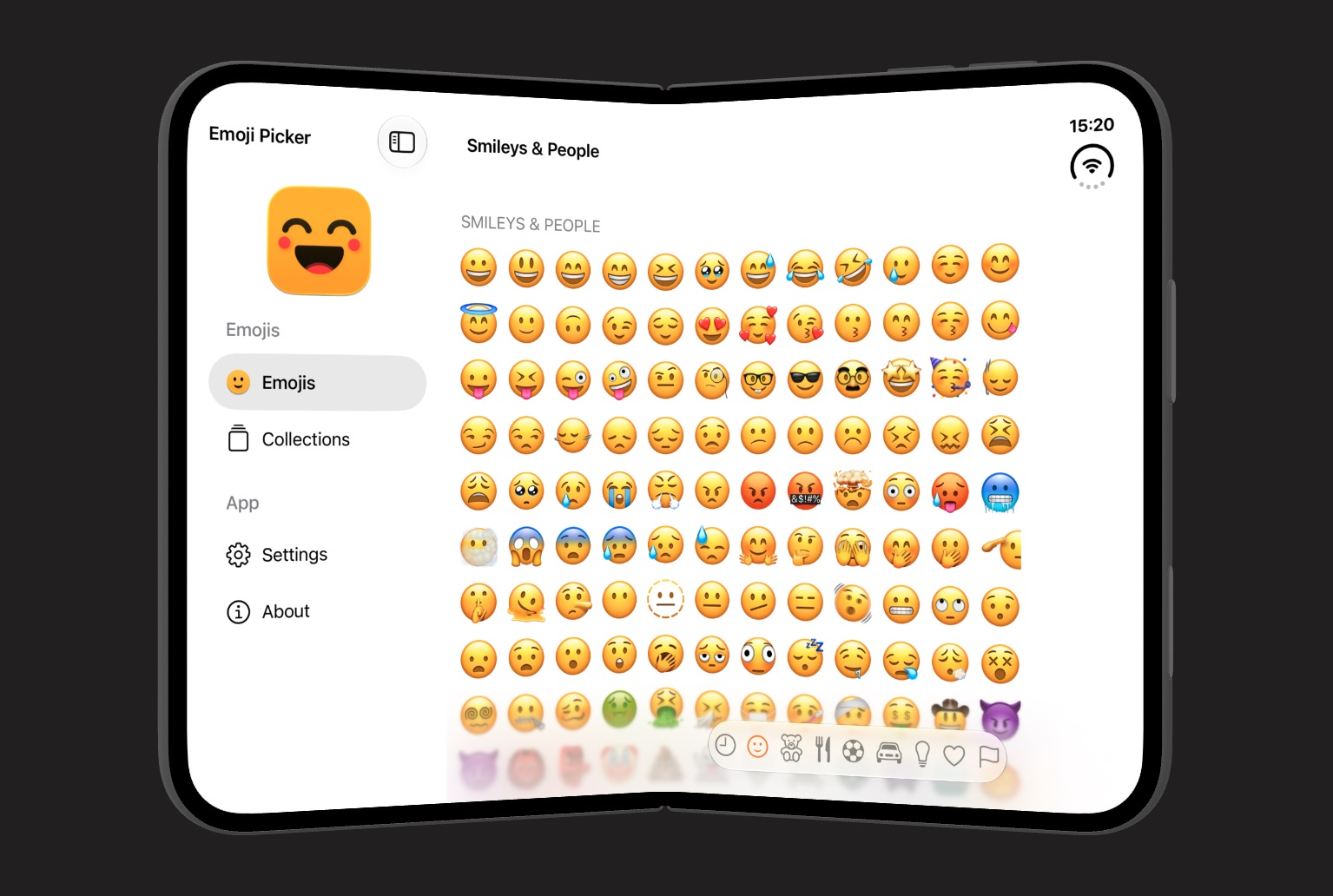
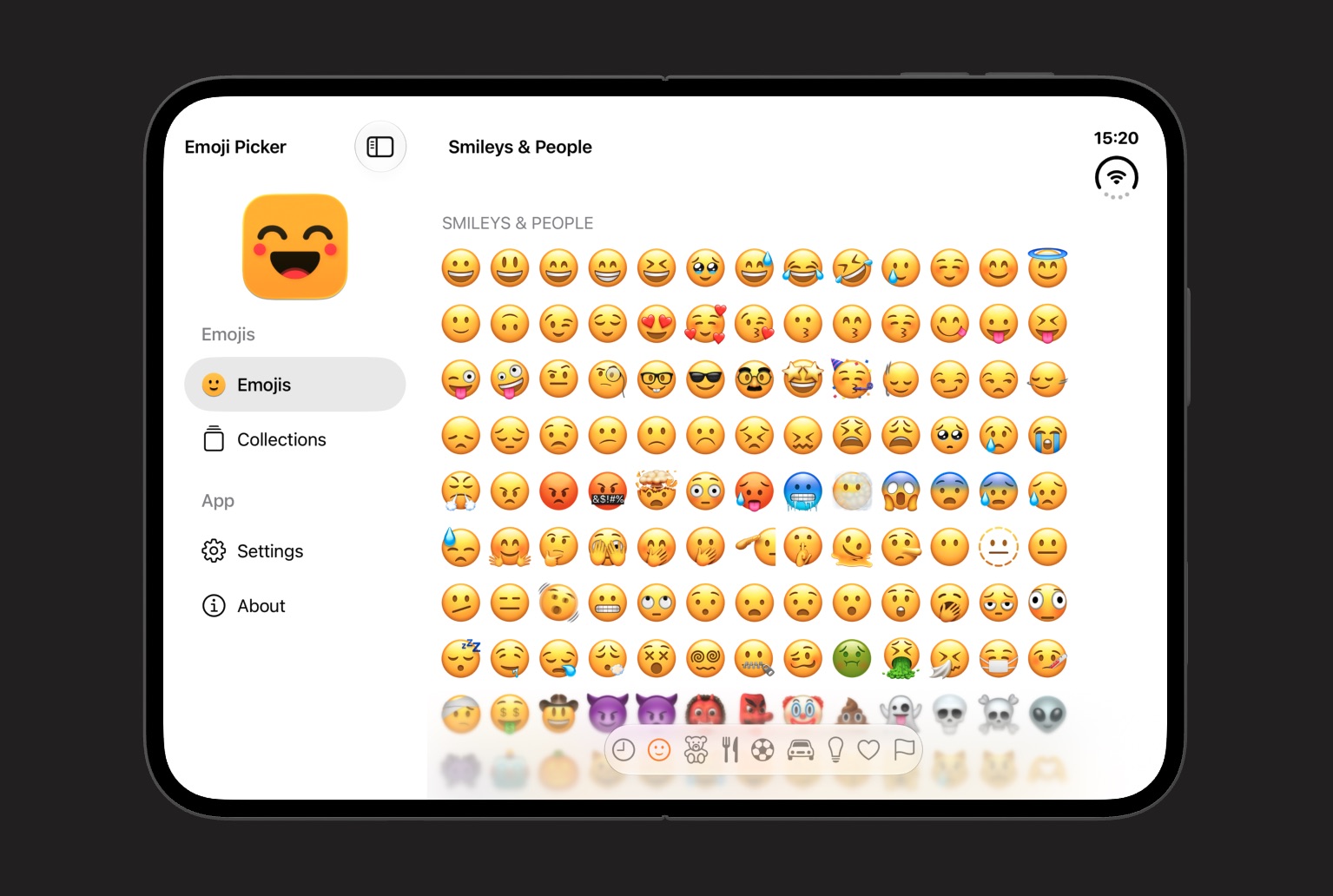
When the Duo is open, the sidebar can be closed to let the picker take up the entire screen, if the user wishes.
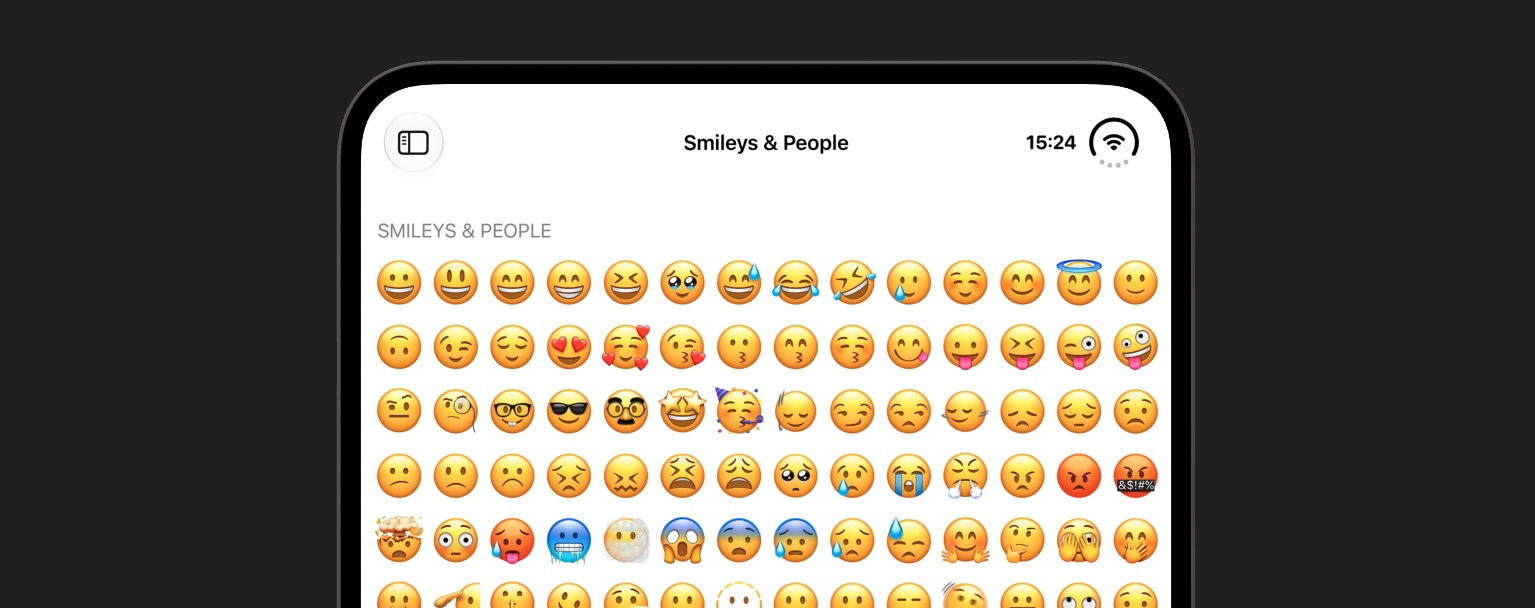
When the Duo is rotated to portrait, Emoji Picker moves its toolbar buttons up next to the status bar to give the emoji picker as much vertical space as possible.
As you can see, Emoji Picker feels right at home on the Duo, instead of just stretching out the iPhone design.
Conclusion
The iPhone Duo requires us to consider how our apps transition between its different form factors. By using a navigation split view, Emoji Picker smoothly adapts between the different form factors.
The updated Emoji Picker app will be available on launch day.
Discussions & More
If you found this interesting, please share your thoughts on Bluesky and Mastodon. Make sure to follow to be notified when new content is published.